
BCD M&E Communications Whitelisting
Keeping in touch
Email Whitelisting
Certain filters and firewalls may prevent emails from reaching your inbox. If you’re not receiving our emails, this may be the case. First check your spam or junk folders for messages from @bcdme.com
If they are in your spam or junk folder, you can add the sender email address to your safe sender list.
Usually, all you need to do is open the email message and tell the system it’s “not junk”.
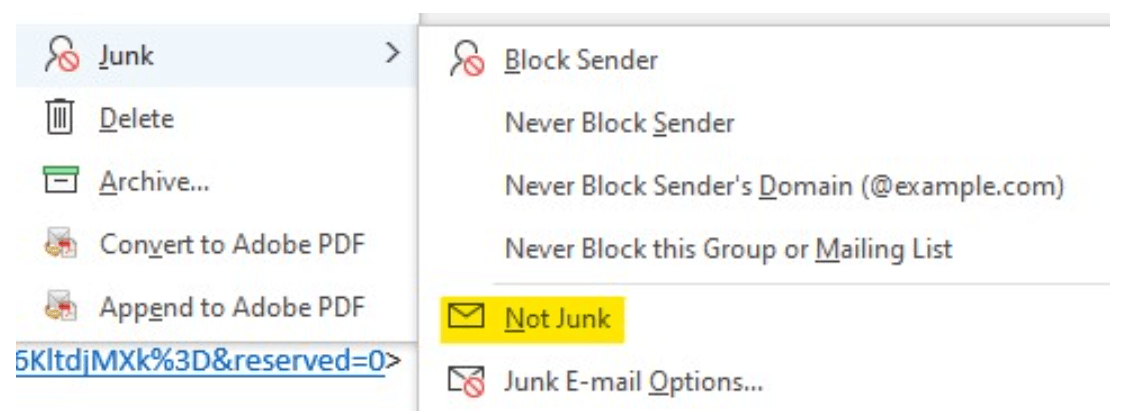
Whitelist our email addresses.
We most commonly use @bcdme.com for our emails.
Outlook
- Click Junk icon.
- Click Junk E-mail Options.
- Click Safe Senders.
- Click Add.
- Enter emails or domains you want to whitelist [i.e.,@bcdme.com] and additional information if you wish.
- Click OK to finish.